How to Schedule a Shopify Theme to Go Live Automatically (Step-by-Step)

Planning a Black Friday sale or a holiday look? You don’t have to stay up until midnight to publish a new theme. With Hura Theme Switcher, you can schedule any theme in your library to go live automatically, at exactly the time you choose.
Here’s how to schedule a theme publish, step by step, and how to switch back after the sale.
Before you start
- Add the theme you want to publish to your theme library (Online Store → Themes) and finish customizing it.
- Check your store’s time zone in your Shopify settings. Scheduled times use this time zone.
Step 1: Open Schedules
Open Hura Theme Switcher and click Schedules in the app menu. The Upcoming list shows all scheduled publishes, with times in your store’s time zone.
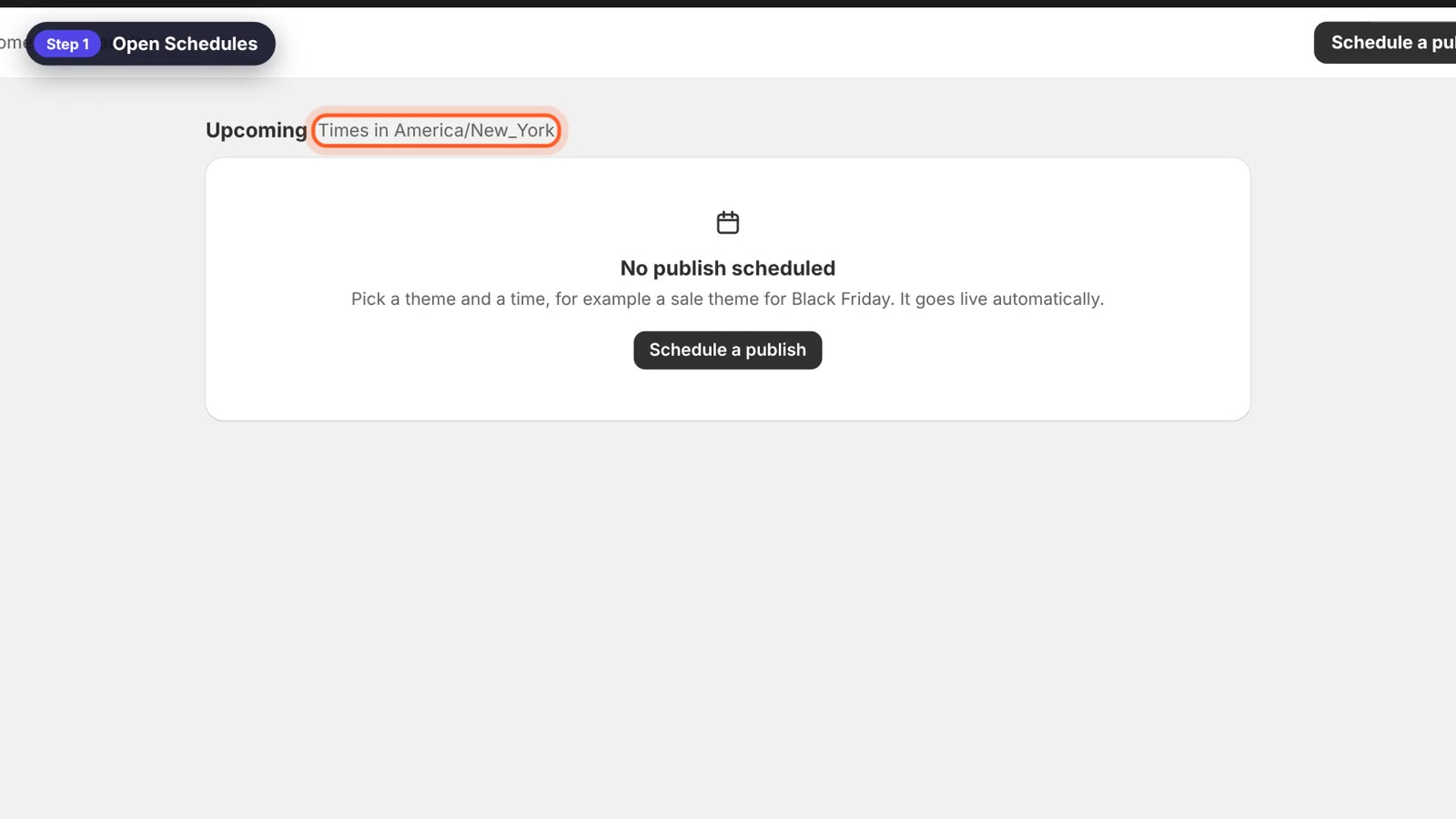
The Schedules page
Step 2: Click Schedule a publish
Click Schedule a publish to open the scheduling form.
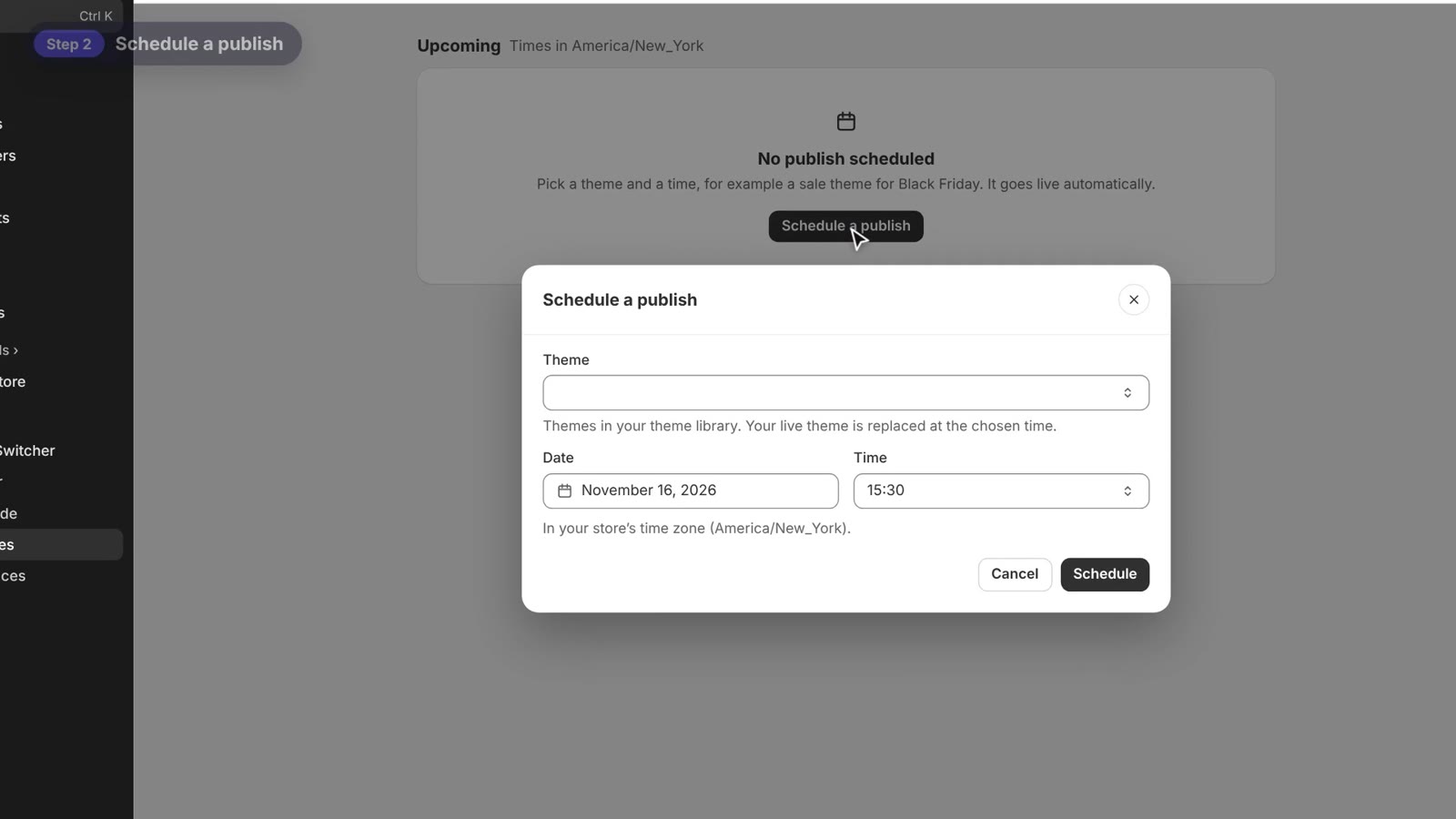
The Schedule a publish form
Step 3: Choose the theme
Under Theme, choose the theme to publish. You can pick any theme in your theme library. At the chosen time, it replaces your live theme.
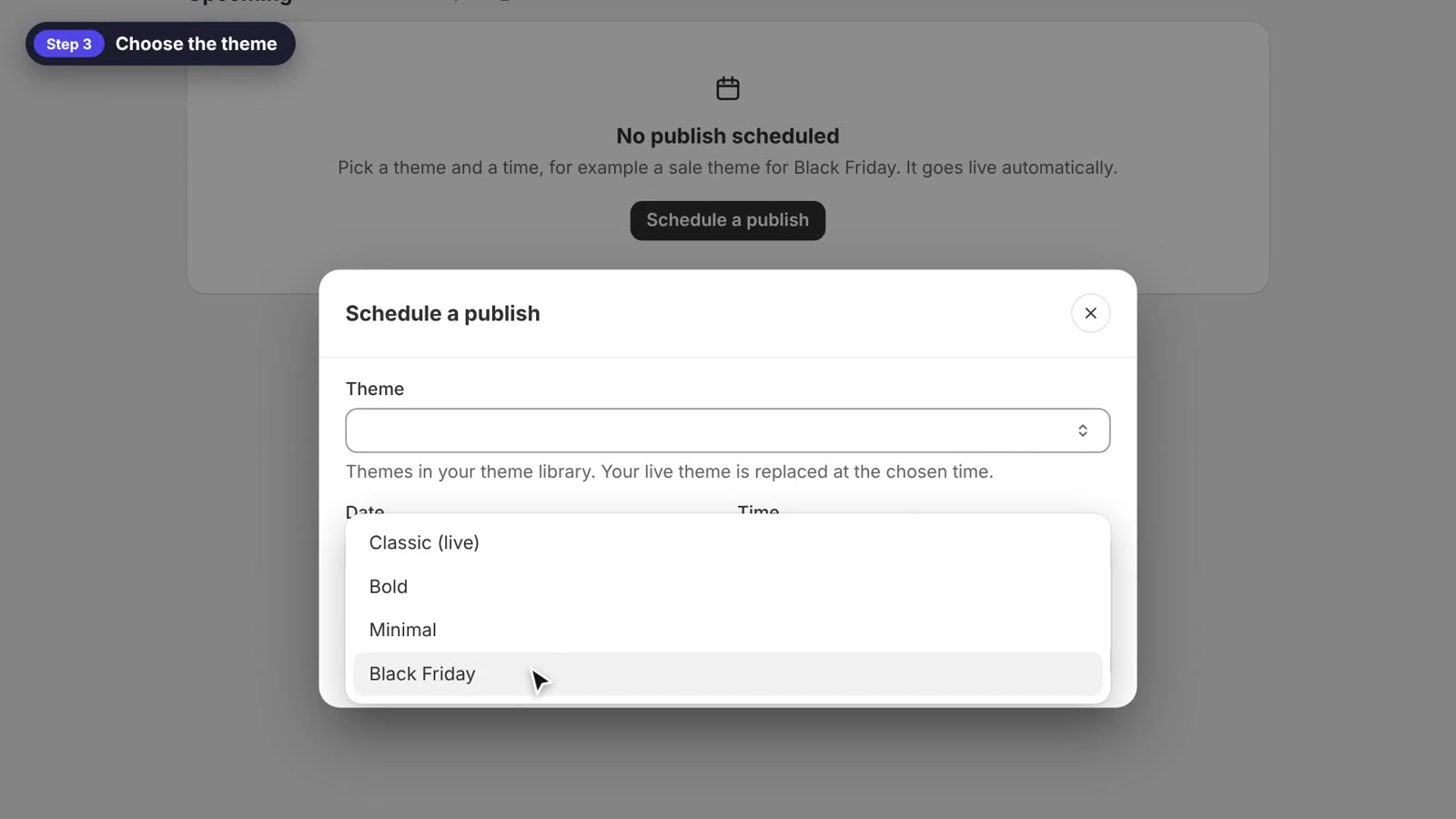
Choose any theme from your theme library
Step 4: Pick the date and time, then schedule
Pick the date and the time, for example November 27 at 00:00 for a Black Friday theme. Then click Schedule.
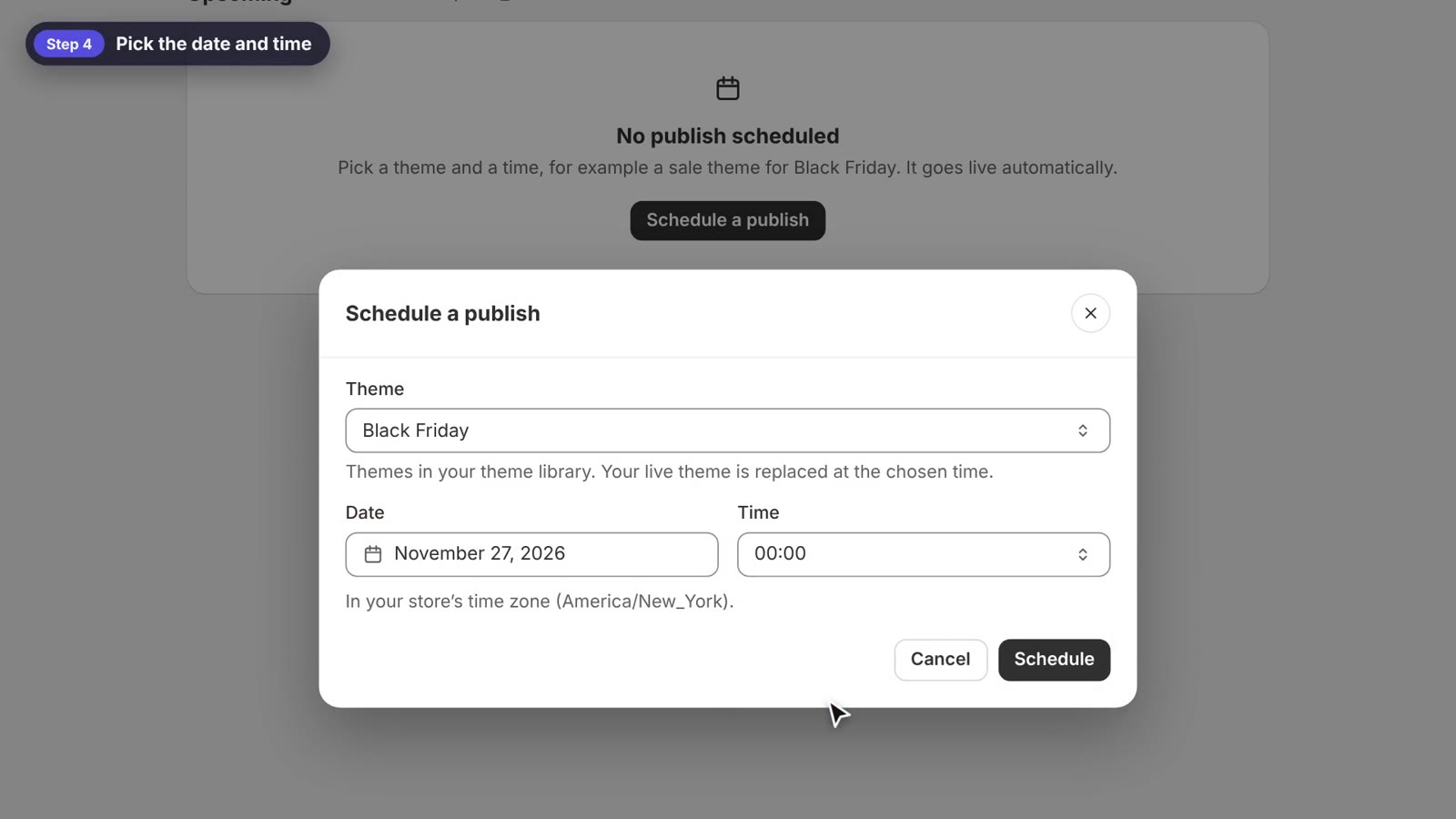
Pick the date and time
The publish now appears under Upcoming.
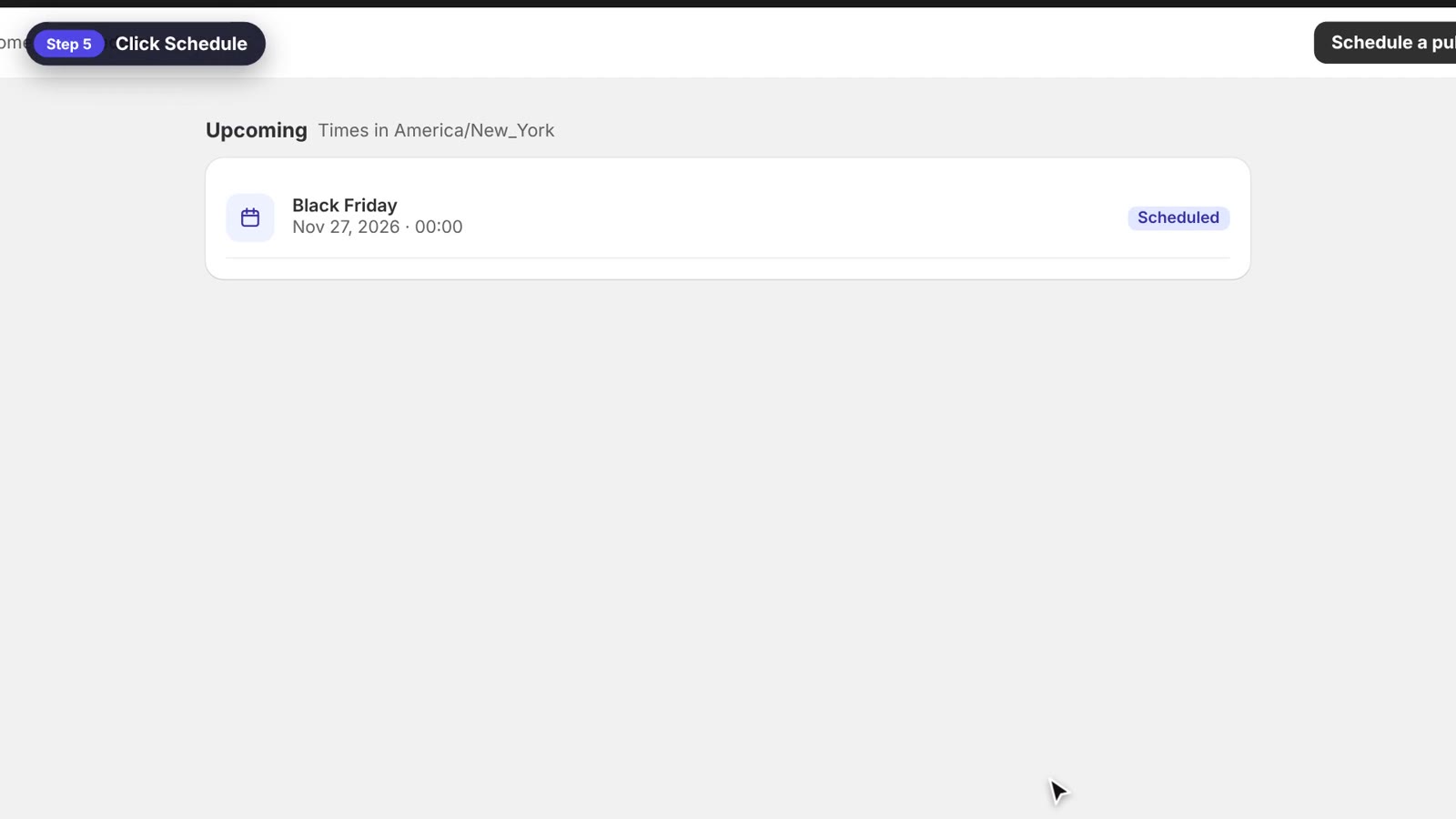
The scheduled publish in the Upcoming list
Step 5: It goes live automatically
At the chosen time, the app publishes the theme automatically, and your store shows the new look. To switch back after the sale, simply schedule another publish, for example your regular theme on December 1.
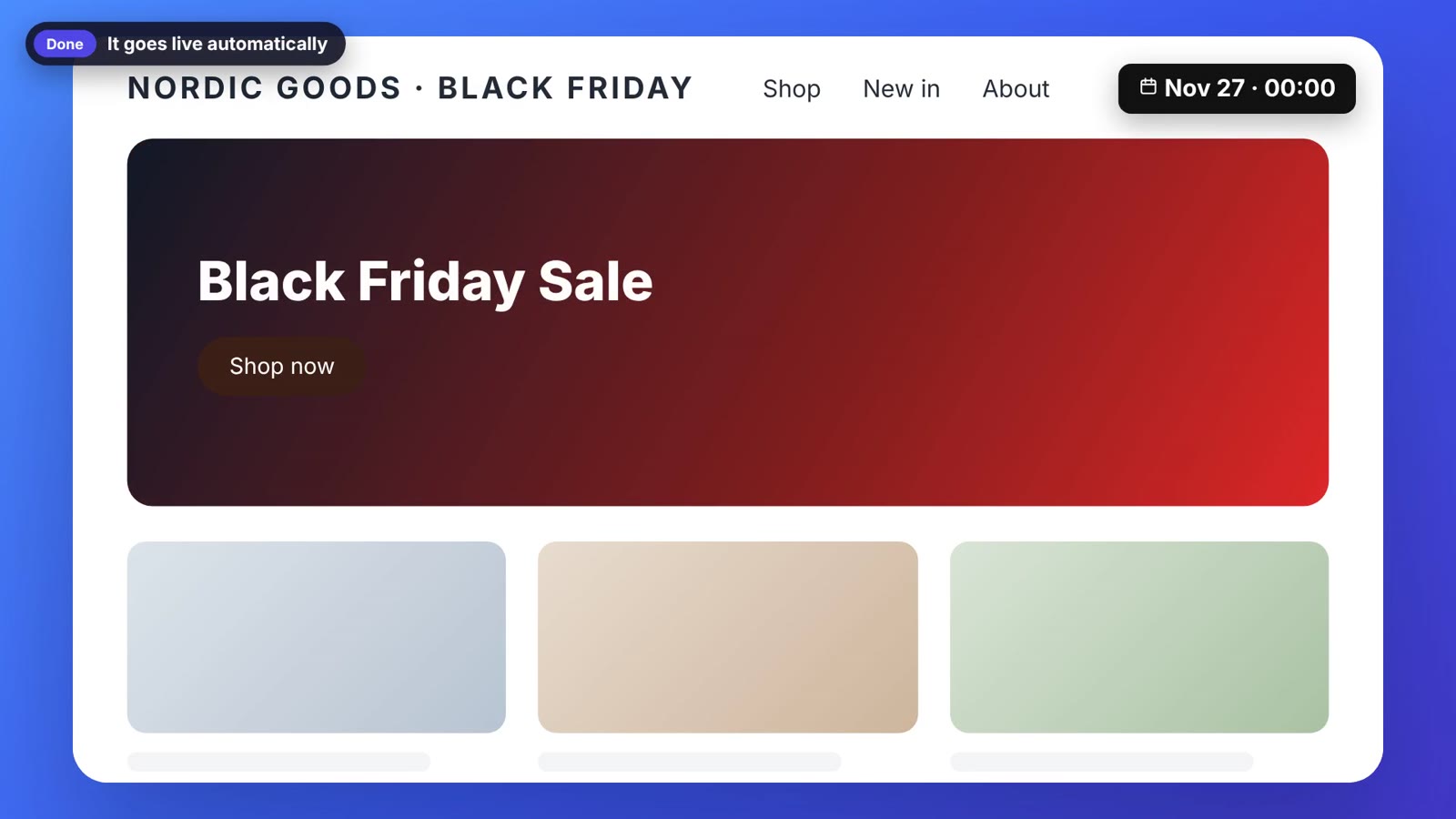
Your Black Friday theme goes live on time
Tips for a smooth sale launch
- Preview the sale theme before the big day. You can even add it to the theme switcher for a while, so you can test it on your storefront.
- Schedule both the start and the end of the sale in advance, so nothing depends on you being online.
- Times always use your store’s time zone, shown on the Schedules page.
Launch on time, even while you sleep
Scheduled publishing takes the stress out of big sales and seasonal campaigns. Install Hura Theme Switcher and schedule your next theme change today.